
Websites for professional services.
Accountants, bookkeepers, attorneys, consultants, insurance and real estate agents: people trust you with something important, and they look you up first. Your website should make you easy to understand and easy to reach.
$49 a month, or $39 a month paid yearly. Free to see and claim first.
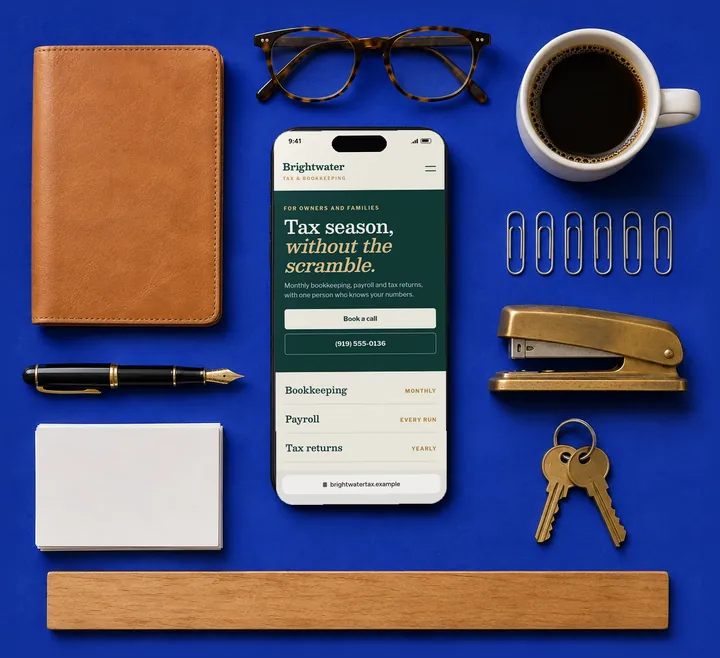
What customers want
What do people look for on a professional’s website?
They’re checking whether you’re the right person, and how to start.
Who you help
Individuals, families, business owners: say it up front so the right people stay.
What you do, plainly
Each service in a sentence a client would use, not a list of jargon.
Who they’ll work with
You. A photo and a few lines about your background, if you want them.
How to start
Book a call, send a question or phone you: one clear first step.
Where you are
Your office and hours, or that you work remotely.
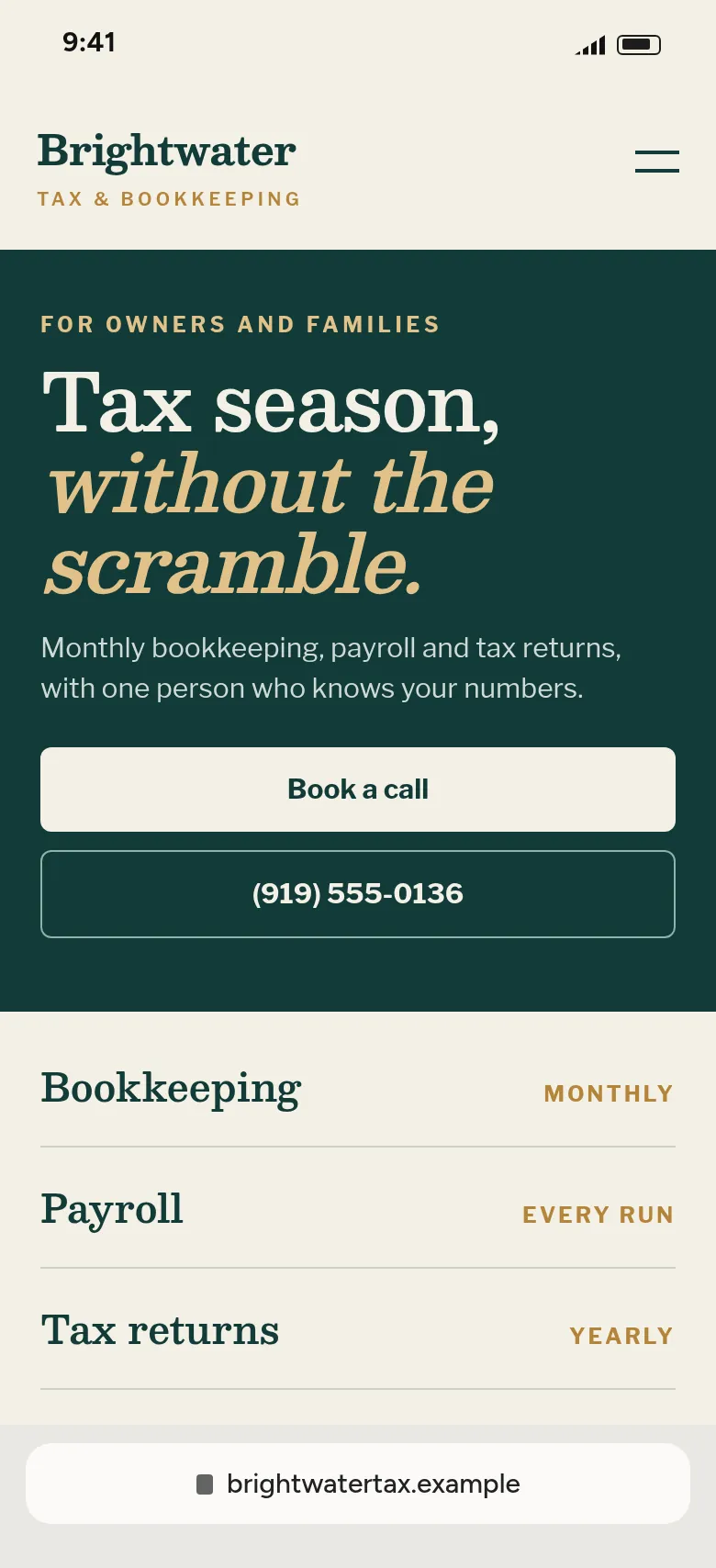
An example, up close
The first screen does the work.
Most visitors decide on what they see before they scroll. Here’s what this one puts there, and why.
Who it’s for, first
The eyebrow names the clients before the headline speaks to them.
A calm, confident headline
One promise in plain words, with room to breathe.
Services as a clean list
Each one named the way clients ask for it, with how often it happens.
What we build
What goes on your website
Every website gets a custom design. These are the parts that matter most for your customers.
Your services
Explained in plain English, the way clients ask about them.
About you
Your background and credentials, using only what you tell us is current.
Contact and scheduling
A short form that goes to your email, and a link to your scheduling tool if you use one.
Office details
Address, hours and how to reach you.
Good to know
Four things that make it work.
Whoever builds your website, these help customers choose you.
Lead with who you help
“Tax returns for families and owners” tells a visitor more than a job title does.
Write services the way clients ask
“Help with a tax notice” is clearer than a formal service name.
Give one first step
Book a call or send a question. One obvious next step beats five options.
Keep forms short
Ask for a name, an email and a question. Account numbers and documents belong in your secure tools, not a website form.
Same price for every business.
$49 a month, or $39 a month paid yearly, with hosting and changes on request included. Seeing and claiming your website are free. Cancel anytime.
If you refer another business that becomes a customer, you get a month free.
Questions
Questions we get.
Can you show my licenses and credentials?
Yes, if you give them to us. We only show what you tell us is current.
Can clients book a consultation from my website?
Yes. We link your Book a call button to the scheduling tool you already use, or to your phone and email.
Do you write the descriptions of my services?
Yes. We write them from what’s public about your practice, and you tell us what to change.
Can I have more than one page?
Yes. Ask for a page for each service, an about page or anything else, and we’ll add it.
Other kinds of business
Get started
Want to see yours first?
Email Rob three things and we’ll build your website, then send you the link to look it over.
- Your business name
- What you do
- Where you work
Already got our email? Your website is behind the link in it.