Websites for salons, barbers and spas.
People choose a salon with their eyes. Your website should look as good as your work, show what you offer, and get people to your booking page in one tap.
$49 a month, or $39 a month paid yearly. Free to see and claim first.
What customers want
What do people look for on a salon website?
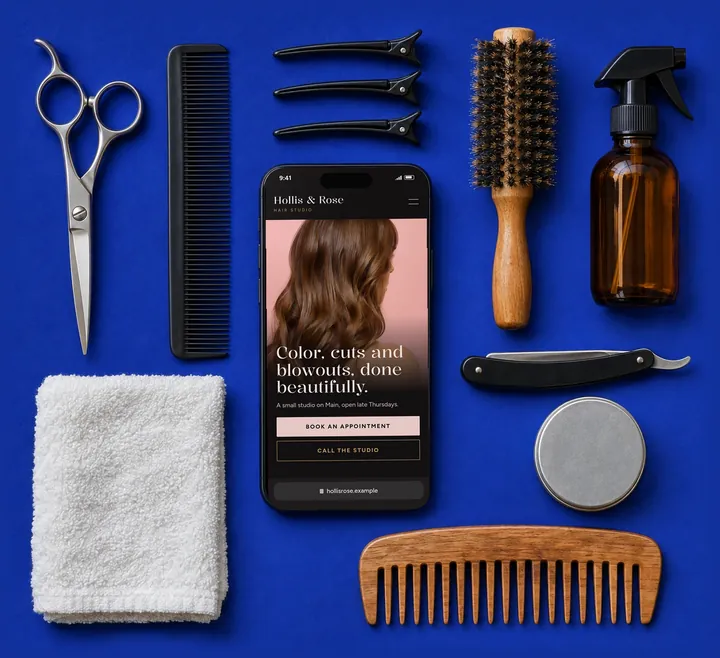
Before they book, new clients want to know they’ll like the result and the visit.
Your services
Cuts, color, extensions, nails, lashes, facials: what you offer, with prices if you like to share them.
A Book button
One tap to the booking app you already use, in the same place on every screen.
Your work
Photos that show your style. Send new ones whenever you like.
Who they’ll see
You and your team, if you want them on the website.
Where and when
Your address, parking, hours and whether you take walk-ins.
An example, up close
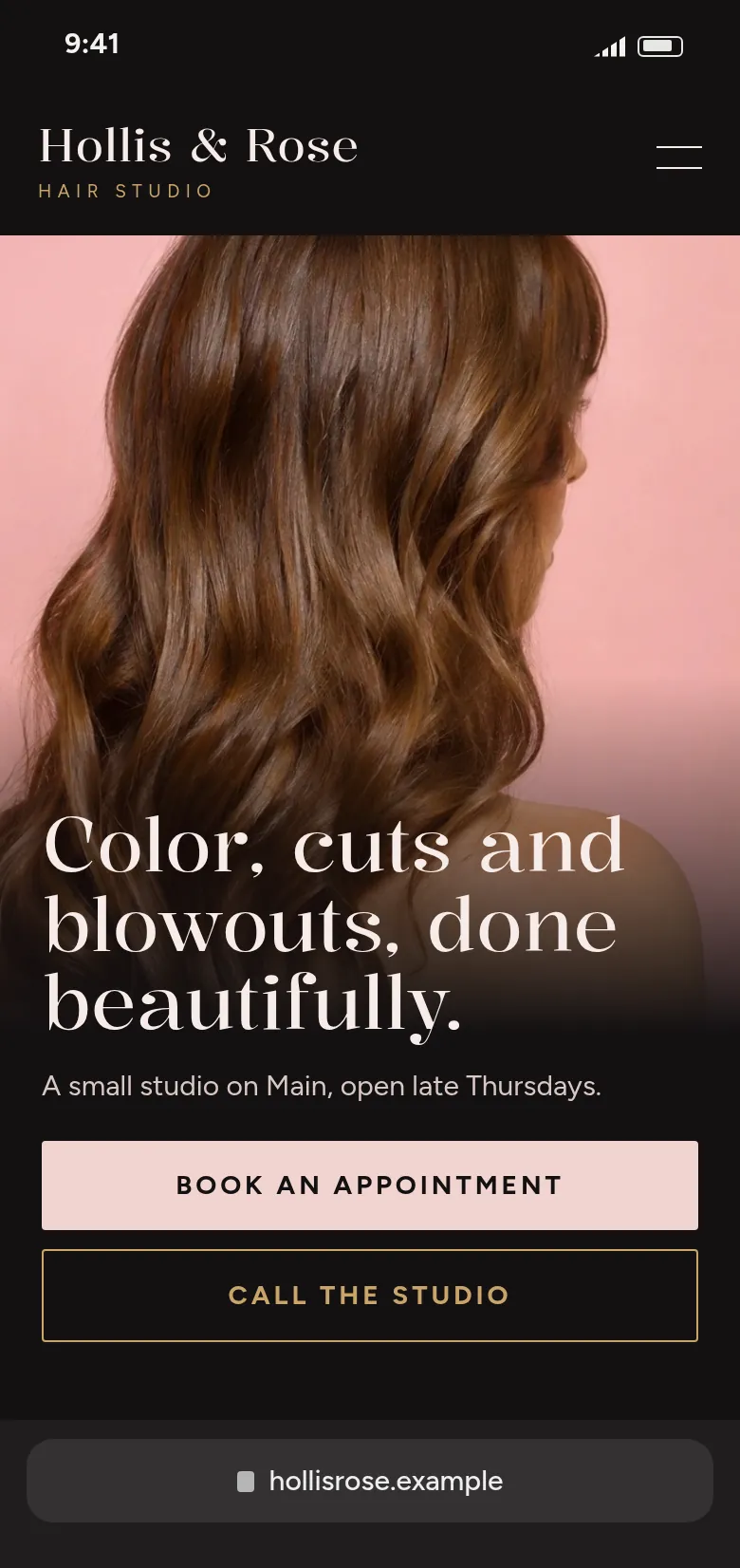
The first screen does the work.
Most visitors decide on what they see before they scroll. Here’s what this one puts there, and why.
The work comes first
A big photo sets the mood before a word is read.
Book in one tap
The first button goes straight to the booking app.
A design that matches the room
Dark, warm and quiet, to match a calm studio.
What we build
What goes on your website
Every website gets a custom design. These are the parts that matter most for your customers.
Your service menu
Laid out clearly, with or without prices, and updated when you change it.
Book buttons
Linked to your booking app, in the header, the first screen and the footer.
Your look
A custom design that matches your space, from soft and bright to dark and bold.
Location and hours
Address, parking, hours and how to reach you.
Good to know
Four things that make it work.
Whoever builds your website, these help customers choose you.
Use one booking link everywhere
Same link in the header, the first screen and the footer, so nobody hunts for it.
Share prices or “from” prices
Even a starting price answers the first question most people have.
Show your own work
Your photos sell your style better than any stock image. Text them to Rob as you take them.
Say how to visit
By appointment only, or walk-ins welcome? Parking out front? Answer it before they ask.
Same price for every business.
$49 a month, or $39 a month paid yearly, with hosting and changes on request included. Seeing and claiming your website are free. Cancel anytime.
If you refer another business that becomes a customer, you get a month free.
Questions
Questions we get.
Can my website link to my booking app?
Yes. We add Book buttons that go straight to the booking app you already use.
Can you add photos of my work?
Yes. Send them to Rob by email or text and we’ll add them, as often as you like.
Can each stylist have their own section?
Yes. Send us a photo and a few lines about each person and we’ll add them.
Do you build online booking?
No. We link to the booking app you use, so your calendar stays in one place.
Other kinds of business
Get started
Want to see yours first?
Email Rob three things and we’ll build your website, then send you the link to look it over.
- Your business name
- What you do
- Where you work
Already got our email? Your website is behind the link in it.